Snapmaker U1 vs Creality K3: Two Four-Tool Multicolor Printers
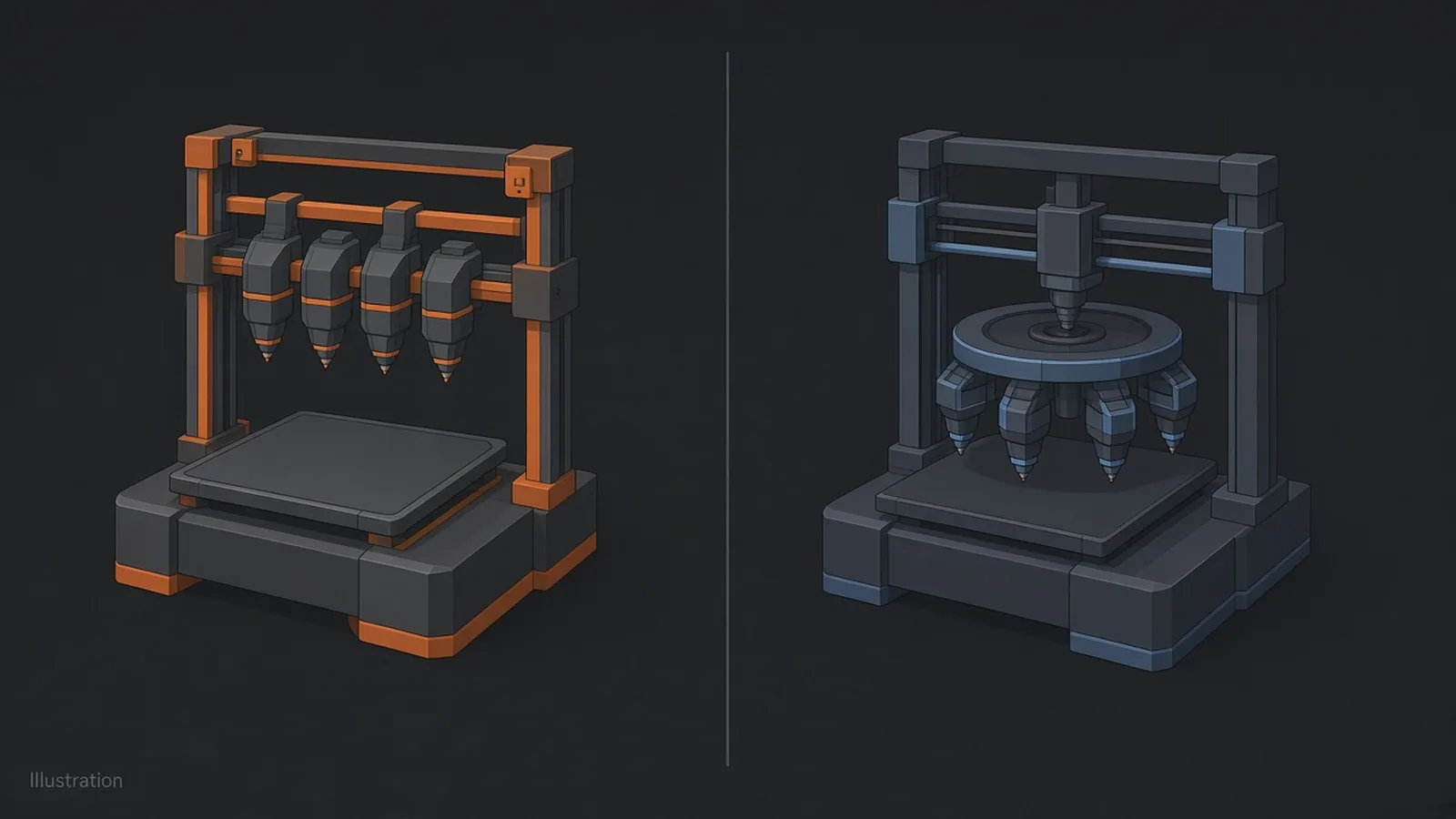
Short answer: The Snapmaker U1 and the Creality K3 are both four-tool multicolour printers that keep each filament in its own nozzle, and on confirmed information the U1 stays my pick. It was $699 on Snapmaker's US store on 19 November 2026 against $849 for the K3, it has a slightly larger 270 mm build cube, and it is already on sale and on my bench. The K3 lists a longer material list and mixed nozzle sizes in one print, both partly dependent on optional accessories, and Creality's US store still gave its shipping date as "early December".
Updated 19 November 2026. Prices and ship dates were checked on both official US stores that evening, Oslo time. Snapmaker sent me the U1 I use and has no say over what I write; I have no K3 time, so every K3 figure here is Creality's.
The U1's pitch has always been simple. Four toolheads, on a $999 list price.
Now Creality has one too. The K3 runs four nozzles on independent filament paths, lists the same 500 mm/s top speed and a 5-second nozzle change, and costs $150 more than the U1's current sale price.
This is toolchanger against toolchanger. If you are choosing between a U1 and a single-colour Bambu, that is a different comparison, and it lives at Snapmaker U1 vs Bambu Lab P2S.
The verdict, before the spec sheet
Buy the printer you can use this month, unless the other one does something you need. On today's facts, that is the U1.
Three things put it ahead. It is cheaper at the current price, it is on sale now with no pre-order date attached, and I have used one. The K3 is a credible machine on paper, but every claim about it so far is Creality's, and its US ship date still read "early December" on 19 November.
The K3 is the one to wait for if you need one of the things only its spec sheet promises: mixed nozzle sizes in the same print, a listed TPU 85A option, or Creality's colour-blending system. All three are covered below with their conditions.
The U1 is my multicolour and affordable toolchanger pick in recommended 3D printers, and nothing in this comparison moves it.
Side by side
Price, ship date, accessories and nozzle sizes decide this one. On the rest of the spec sheet the two printers are close to a tie.
| Spec | Snapmaker U1 | Creality K3 |
|---|---|---|
| US price, official store, 19 Nov 2026 | $699 (list $999, Black Friday window to 14 Jan 2027) | $849 (four free Hyper PLA rolls and free official-store shipping to 30 Nov) |
| Shipping | Listed on Snapmaker's store | Store: "Estimated Shipping Date Early December". Press release, 3 Nov: US pre-order shipments began 2 Nov |
| Tools | 4 independent toolheads (SnapSwap) | Up to 4 nozzles (KliTek) |
| Published change time | 5 s toolhead swap | 5 s nozzle change, 15 s material change |
| Build volume | 270 × 270 × 270 mm | 260 × 260 × 260 mm |
| Speed and acceleration | Up to 500 mm/s, 20,000 mm/s² | Up to 500 mm/s, 20,000 mm/s² |
| Nozzle and bed | 300°C, 100°C | 300°C, 100°C |
| High-temperature materials | Optional Top Cover for ABS and ASA | Top cover needed for ABS, ASA, PC, PA and others |
| Mixed nozzle sizes in one print | Not supported (Snapmaker FAQ) | Claimed for 0.2, 0.4, 0.6 and 0.8 mm; optional accessories required |
All change times are the makers' own figures, measured their own way (note 1). Neither is a head-to-head result.
How each one changes colour
Park, unlock, pick up, print. That is the U1's whole colour change, and it is why the wipe tower stays small.
Snapmaker U1: whole toolheads
The U1 parks four complete toolheads, each with its own hotend and its own filament. When the slicer calls for a different colour, the carriage leaves one head on its dock and locks onto the next, using steel-ball kinematic couplings and a mechanical lock. Snapmaker gives the swap as 5 seconds.
Each head stays loaded and hot, so the old colour never has to be flushed out. Snapmaker's lab figures put total waste on a four-colour dragon at 80.68 g on the U1 against 309.75 g on a shared-nozzle printer (note 2).
Four heads means four offsets to keep in line. Snapmaker's multi-toolhead offset calibration takes about 15 to 20 minutes, at first setup and after hardware changes, and my guide to how to calibrate a 3D printer lists its triggers.
Creality K3: four nozzles, KliTek
Creality calls its system KliTek, and its spec table talks about nozzles rather than toolheads: up to four, with a 5-second nozzle change and a 15-second material change. Each colour still has its own path, which is the part that saves the purge.
Neither figure comes with a definition of where the clock starts and stops, so I am not going to guess what the extra ten seconds are. That is a question for the first independent teardowns.
Creality does publish two reliability numbers: repeatability under 25 μm across more than 800,000 nozzle-change cycles in its own lab, and 37 sensors, 12 of them for nozzle alignment and locking. Its waste claim is up to 85% less than conventional single-nozzle multicolour printing, with up to 80% shorter print times (note 3).
Same 85% as Snapmaker's headline, from a different test on different models, run by a different company. The two numbers cannot be compared with each other.
Materials, enclosures and the accessories you may need
Count the filaments and the K3 wins. Count what you have to buy to print them, and it gets closer, because Creality's list comes in three tiers.
| K3 setup | Filaments Creality lists |
|---|---|
| Stock | PLA, PETG, PET, PLA-CF and GF, PETG-CF and GF, PCTG, TPU 95A |
| With top cover, adds | ABS, ASA, ASA-CF, PP, PC, PA, PA-CF, PP-CF and GF |
| With TPU Kit, adds | BVOH, PVA, TPE, TPU 90A and 85A |
Two things stand out. Soluble supports in PVA or BVOH sit on the TPU Kit tier, not the stock list, and the softer TPUs need it too. Creality's release adds that its advanced multi-material, flexible and mixed-nozzle capabilities require optional accessories sold separately.
Snapmaker lists PLA, PETG, TPU, PVA and PCTG as standard U1 materials, with ABS, ASA and other high-temperature filaments needing the optional Top Cover. So PVA is on the U1's standard list and on the K3's TPU Kit tier. Price both machines with the parts you would actually add before you compare totals.
Creality also claims TPU 95A at up to 15 mm³/s, "seven times that of standard consumer 3D printers", with its S-Drive and compatible accessories under its own test conditions (note 4). That is a strong claim with a lot of conditions attached.
Whether two materials bond once they are in the same part is a separate question from whether the printer can run them. TinkerAtlas has a guide to which filaments bond in multi-material prints and a filament compatibility chart for any single pair.
Mixed nozzle sizes and colour mixing
A 0.2 mm nozzle and a 0.8 mm nozzle in the same print. Creality says the K3 can do it, Snapmaker says the U1 cannot, and it is the least proven claim on either spec sheet.
Nozzle sizes
Creality lists 0.2, 0.4, 0.6 and 0.8 mm nozzles and claims you can mix sizes in one print. It quotes up to 30% better efficiency in its own testing, and the release footnote says mixed-nozzle printing needs optional accessories.
The U1 cannot do this today. Snapmaker's Liber FAQ says: "The U1 currently does not support using hotends with different nozzle diameters in the same print job." That limit is also why the new Phaetus Liber high-flow hotend for the U1 only matters if every head in a job runs the same 0.4 mm size.
If your parts are big and the fine detail is only on the surface, that is a real reason to look at the K3. For figures and signs in four colours it changes little.
Colour mixing
Both companies now sell a colour-mixing story. Creality describes CMYK physical colour blending on the K3 with calibrated translucent filaments.
Snapmaker showed a Full Spectrum colour-mixing filament bundle for the U1 at Formnext, according to 3D Printing Industry. Both are manufacturer claims with no independent results I can point to yet.
If colour mixing is your reason to buy, wait for prints from people who did not make the printer.
Price and availability
The U1's price comes with a date on it. The K3's ship date comes with two.
Snapmaker's official store listed the U1 at $699 on a $999 list price on 19 November, and its shop homepage gives the Black Friday window as 29 October 2026 to 14 January 2027. At $699 the U1 is $150 under the K3. At its $999 list it is $150 over, so if you are reading this after mid-January, check the store before you trust this paragraph.
The K3 is $849 on Creality's US store, with four free rolls of Hyper PLA and free official-store shipping until 30 November 2026. The store page still said "Estimated Shipping Date Early December" on 19 November, while Creality's 3 November release said the first US pre-order shipments began on 2 November. I am reporting both, because both are Creality's words.
For Europe, the same release says the K3 is "expected to become available in December 2026". Creality's French store showed "En vente dès le 8 décembre" with an estimated ship date of 25 December; that is the French store's wording, and I have no official euro price to give you.
Also coming: Elegoo Centauri X Ultra
A third four-head printer was announced at Formnext, and it has no price yet.
Elegoo's official Formnext release confirms four independent printheads, multicolour and multi-material printing, quick printhead switching to reduce waste, and both rigid and flexible materials. It gives no price and no launch date.
The rest comes from journalists who saw it. All3DP reports a 256 × 256 × 256 mm build volume, a fully enclosed frame, integrated filament drying and a 350°C hotend, and expects it to land in the first quarter of 2027 with pricing "yet to be fixed". 3druck reports a head change of about 5 seconds, a 120°C bed and heated side boxes that reach 65°C.
On those reports it would be the most heat-capable of the three. Until Elegoo publishes a price, though, it is a preview, and the rest of the show is in my Formnext 2026 toolchanger roundup.
Who should wait for hands-on reviews
If you do not need a printer this month, waiting for reviews costs you nothing.
- Buy the U1 now if you want four-colour or rigid-and-flex prints soon, at the current price, from a machine I have used.
- Wait for K3 reviews if mixed nozzle sizes, the TPU 85A option or CMYK blending is the reason you want a toolchanger.
- Wait for Elegoo's price if you need a fully enclosed four-head printer and can wait into 2027.
- Look elsewhere if you print in one colour. The Bambu Lab P2S is my single-colour pick, and the Bambu Lab printer comparison covers that line.
- Go up a tier if you want nine tools and can pay flagship money. The Bambu Lab H3C is that machine, at $2,499.
Whichever you pick, a four-tool printer rewards models designed for it. My guide to how to design parts for 3D printing covers multi-material parts, and the toolchanger vs AMS guide explains why both of these beat a shared nozzle on waste.
Notes on the manufacturer numbers
Every figure in this list came from the company selling the printer. None has an independent test behind it yet.
- Change times. U1: "Direct Swaps in 5s", Snapmaker. K3: 5-second nozzle change and 15-second material change, Creality store spec table; the release says "approximately 5-second nozzle swaps" and "complete material changes in under 15 seconds".
- U1 waste. Snapmaker lab test on its U1 product page: 80.68 g against 309.75 g total waste on a four-colour dragon, summarised as "up to 85% less waste". Snapmaker notes results vary with model size, colour layout and settings.
- K3 waste, time and repeatability. Up to 85% less material waste and up to 80% shorter total print times against conventional single-nozzle multicolour workflows, under 25 μm repeatability over more than 800,000 cycles, and up to 30% efficiency from mixed nozzle sizes: all Creality internal testing.
- K3 TPU flow. TPU 95A at up to 15 mm³/s with S-Drive and compatible accessories, under Creality's specified testing.
FAQ
Is the Snapmaker U1 better than the Creality K3?
The Snapmaker U1 is the better buy on confirmed information today: it was $150 cheaper on 19 November 2026, has a slightly larger build volume and is on sale now. The K3 lists more materials and mixed nozzle sizes, but those depend partly on optional accessories and no independent tests are out yet.
Is the Creality K3 a toolchanger?
The Creality K3 is a four-nozzle multicolour printer in which each filament keeps its own path, which Creality calls KliTek. Its spec table lists a 5-second nozzle change and a 15-second material change, both Creality figures.
How much do the U1 and K3 cost?
The price on the official US stores on 19 November 2026 was $699 for the Snapmaker U1, on a $999 list during a Black Friday window to 14 January 2027, and $849 for the Creality K3. The K3 offer included four free Hyper PLA rolls and free official-store shipping until 30 November.
When does the Creality K3 ship?
The Creality K3 ship date is stated two ways by Creality. Its 3 November 2026 release says US pre-order shipments began on 2 November, while the US store still listed "Estimated Shipping Date Early December" on 19 November, and Europe is expected in December 2026.
Can the U1 or K3 print ABS?
The U1 and the K3 are both ABS-capable only with a top cover. Snapmaker sells the U1 Top Cover as an option, and Creality lists ABS, ASA, PC, PA and other engineering filaments on the K3 only with its top cover.
Can I use different nozzle sizes in one print?
The K3 is the one that claims it: Creality lists 0.2 to 0.8 mm nozzles and mixed sizes in one print, with optional accessories. The U1 currently does not support hotends with different nozzle diameters in the same print job, according to Snapmaker.
Should I compare the U1 with the Bambu Lab P2S instead?
The Bambu Lab P2S is the right comparison if you mostly print in one colour, and it has its own page: Snapmaker U1 vs Bambu Lab P2S. The P2S is my single-colour pick, and the U1 is my multicolour and affordable toolchanger pick.
Sources
Sources were checked on 19 November 2026.
- Snapmaker store: U1
- Snapmaker: U1 FAQ
- Phaetus store: Liber for U1 (FAQ on nozzle diameters)
- 3D Printing Industry: Snapmaker brings the U1 ecosystem to Formnext 2026
- Creality store: K3
- Creality press release: K3 now available, 3 November 2026
- Creality press release: K3 opens for pre-order, 13 October 2026
- Elegoo press release: Formnext 2026, 17 November 2026
- All3DP: Elegoo debuts Centauri X Ultra toolchanger at Formnext, 18 November 2026
- 3druck: Elegoo Centauri X Ultra