OrcaSlicer 2.5 on the Snapmaker U1: What Changes for Toolchanger Users
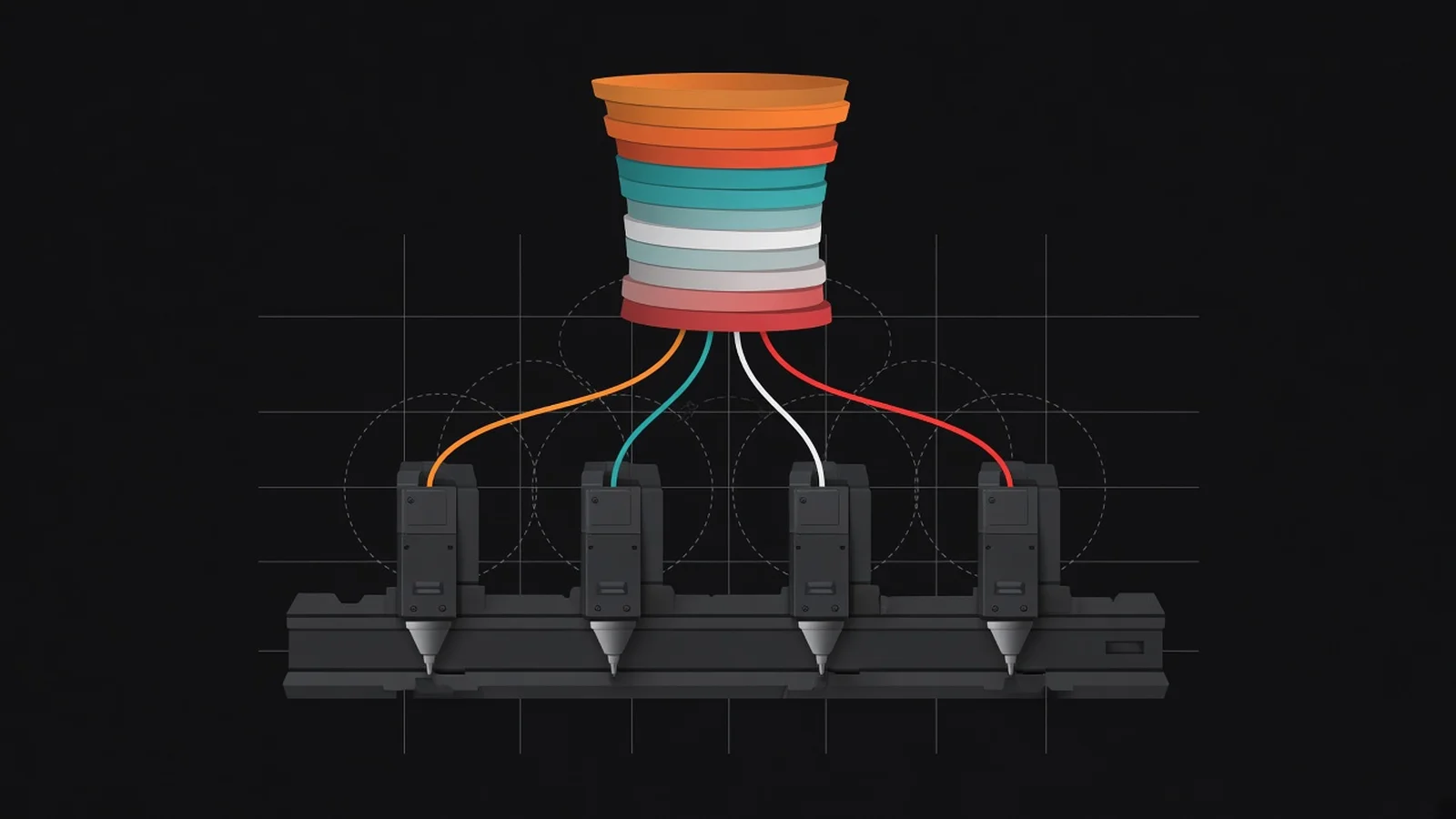
Short answer: OrcaSlicer 2.5 is the largest OrcaSlicer release so far: 2.5.0 shipped on 7 November 2026, built from nearly 1,300 pull requests, with Python plugins, color mixing and toolhead collision volumes, and the 2.5.1 maintenance release followed on 14 November. For a Snapmaker U1, the changes that matter most are two fixes: 2.5.1 lets you copy per-nozzle settings to all four tools, and 2.5.0 stops projects with fewer filaments than tools from failing to slice. Snapmaker Orca, Snapmaker's own fork, is a separate app still on 2.4.1 stable, so its features and upstream's do not carry over in either direction.
Updated 20 November 2026. This article is based on the official release notes for OrcaSlicer 2.5.0 and 2.5.1, Snapmaker Orca and U1 firmware V2.1.2, and my own hands-on notes from the U1 are still to come. Snapmaker sent me the U1 I use and has no say over what I write.
Until 14 November, setting up a Snapmaker U1 in OrcaSlicer meant doing every tool by hand. The button that copies one nozzle's settings to another extruder was grayed out on any printer with more than two, so a retraction change had to be made four times.
OrcaSlicer 2.5.1 fixed that a week after 2.5.0, which the project calls the biggest release in its history. This piece sorts the 2.5 changes into three piles: what a U1 owner will notice, what is new but general, and what belongs to Snapmaker's own fork instead.
If you are still choosing the printer, start with Snapmaker U1 vs Bambu Lab P2S. The U1 is my multicolor and affordable toolchanger pick, and the P2S is the single-color one.
What OrcaSlicer 2.5 adds
Nearly 1,300 pull requests from more than 180 contributors went into 2.5.0. Most of the headline items have nothing to do with toolchangers, so here is the short list first.
- Python plugins. Open Plugins from the main menu and subscribe to community plugins on the Orca Cloud plugin hub. A Permissions tab shows what each plugin may do, and the notes say plainly that permissions "aren't a sandbox, so install plugins you trust."
- Color mixing. Two or three loaded filaments of the same type blend into an extra filament slot that prints as thin alternating layers. TinkerAtlas covers how layer-blended color mixing works and where it falls short.
- Texture Displacement and the Design tab. One bakes a painted texture into printable relief, from more than 40 built-in textures. The other is an experimental CAD workspace, off by default in Preferences.
- IDEX and IQEX parallel printing. Printers with independent carriages print two to four copies of a part at once, which is a different machine type from the U1's swapped toolheads.
- Everything else. Belt printers, a Speed Dial search on the Space key, and profiles for the Bambu Lab H2C and A2L.
The toolchanger fixes that matter on a U1
One long-standing limit and one pre-release bug hit four-tool printers hardest. The 2.5 releases fix both, and a few smaller connection fixes name Snapmaker printers directly.
Copy per-nozzle settings to every tool (2.5.1)
The 2.5.1 notes describe the old behavior without softening it: on printers with more than two extruders, "such as the Snapmaker U1", the copy button "was always disabled, so you had to set up each tool by hand." Copying now works for any number of tools.
The copy works from the process settings, the printer's Extruder and Motion ability pages, and the material settings. Tools you add by raising the extruder count also get their own copy of tool 1's process values, ready to edit.
One rule protects mixed setups. In the process and printer settings, values only go to nozzles of the same volume type, so Standard and High Flow values stay apart.
Upstream OrcaSlicer added High Flow nozzle variants to its U1 profile during the 2.5.0 pre-releases. My Phaetus Liber article covers the high-flow hardware for the U1, but which nozzle type an aftermarket hotend should use in the slicer is a question for its maker, not something the release notes answer.
Fewer filaments than tools (2.5.0)
A two-color model on a four-tool printer is about as ordinary as multicolor printing gets. In the 2.5 pre-releases it could break the slicer.
On a tool changer such as the Snapmaker U1, the 2.5.0 notes say, opening a project with fewer filaments than tools could make slicing fail with "Flush volumes matrix do not match to the correct size!", crash Synchronize now, or leave extra slots without a filament list. Every slot now gets its settings and filament list, and new slots take filament 1's color, as they did in 2.4.
Smaller fixes that name Snapmaker printers
- Print host port kept (2.5.1). A Moonraker, Qidi, Snapmaker or CrealityPrint printer saved with a port in its address connected once, then failed with "OrcaSlicer can't connect" in later sessions. The port is now kept.
- Filament sync keeps each slot's material (2.5.1). When a Snapmaker or other Moonraker printer reported a material with no visible preset, sync could show the slot as a different material such as PLA.
- G-code, not 3MF, on upload (2.5.0). With printer agents turned on, Print plate and Send had uploaded the whole 3MF bundle, and the U1 reported "Unrecognized G-code Commands". Both now upload the plate's G-code.
What changed in the U1 profile
- High Flow nozzle variants, a bed type selector, and bed temperatures capped at 100 °C.
- A start G-code that sets the top cover purifier from the filaments on the plate. It needs U1 firmware 1.3.0 or later; older firmware reports an unknown command and keeps printing.
- Top and bottom paint penetration values taken from Snapmaker's own build, so some U1 presets color deeper and others shallower.
Toolhead collision volumes and tool docks
Every toolchanger keeps its idle heads somewhere near the bed. Before 2.5, the nearest tool was Excluded bed area, a flat region that says nothing about how high an obstacle reaches.
Toolhead collision volumes describe obstacles above the bed, such as low bed clips, raised tool docks or camera arms, as 3D shapes. The setting sits below Excluded bed area in Printer settings, under Basic information and Printable space, in Advanced mode, and takes polygonal prisms, either full height or limited to a Z range.
What the slicer does with them
- Objects that touch a volume are flagged in red, and Arrange and Fill Bed keep parts clear while taking the volume's height into account.
- Brims and normal supports are clipped around the volumes, Organic tree supports steer around them, and travel moves are rerouted where a safe path exists.
- Tree Slim, Tree Strong and Tree Hybrid supports do not avoid them yet.
- A final G-code scan warns about moves that still cross a volume, though it cannot see moves hidden inside firmware macros.
On printers with several extruders, a Collision volume behavior setting decides whether volumes are shared, follow each nozzle's offset or are set per extruder. The release candidate also made the printable area check, Arrange and the collision checks judge a mixed color by the extruders that print its component filaments, on non-Bambu multi-tool printers.
What the notes do not say is whether the stock U1 profile ships with any volumes defined. Printers without them slice exactly as before, so open Printable space in your printer settings before you rely on the feature.
Upstream OrcaSlicer 2.5 vs Snapmaker Orca 2.4.x: which one to run
Two apps on a U1 owner's computer can both be called Orca, and they do not share a version number. Upstream is the community project at OrcaSlicer/OrcaSlicer; Snapmaker Orca is Snapmaker's fork at Snapmaker/OrcaSlicer.
| Upstream OrcaSlicer | Snapmaker Orca | |
|---|---|---|
| Latest stable | 2.5.1, 14 Nov 2026 | 2.4.1, 28 Oct 2026 |
| Latest pre-release | None newer than 2.5.1 | 2.4.2-alpha, 17 Nov 2026 |
| Copy per-nozzle settings to all tools | Yes, from 2.5.1 | Not in the 2.4.1 or 2.4.2-alpha notes |
| Python plugins | Yes, from 2.5.0 | Not in the 2.4.1 or 2.4.2-alpha notes |
| Toolhead collision volumes | Yes, from 2.5.0 | Not in the 2.4.1 or 2.4.2-alpha notes |
| Color mixing | Mixed Filament, ported from Bambu Studio | Its own mixed filaments and Subdivide Mixing Layers, fixed in both recent releases |
| Prime tower behavior | Not in the 2.5 notes | Detours around the prime tower at tool changes; groups filaments by adhesion type (2.4.1) |
The 2.4.2-alpha adds Print History and Online Models, which links to Snapmaker Space, on the home page, plus a multi-dovetail cut, Mesh Subdivision and model shadows. It is a pre-release, so treat it as a test build.
Note the color mixing row. Both apps can blend filaments, but they are two separate implementations, so settings, names and results from one should not be assumed to match the other.
How to choose
Pick upstream 2.5.1 if you want the four-tool settings copy, plugins or collision volumes now. Pick Snapmaker Orca if you want Snapmaker's own prime tower changes and the build that Snapmaker itself ships. A feature from one is not in the other until its own release notes say so.
U1 firmware V2.1.2: what changed for multi-tool prints
Snapmaker published the firmware four days after Orca 2.5.1, and one line in it is written for Orca users. Its wiki calls V2.1.2 a maintenance release based on V2.1.0, aimed mainly at a rare screen bug.
- New. Turkish and Spanish, and a G-code details page that previews the multi-color filaments used in a sliced file.
- Fixed. A rare black, unresponsive screen after auto screen-off, and firmware upgrades stuck at 0% when the App or Orca disconnected mid-upgrade.
- Improved. Print speed levels are now 50/75/100/125/150, for consistency with Orca and the App, and multi-tool ramming parameters during filament unloading are optimized.
The ramming line pairs with one in Orca 2.5.1, which changed the final unload on single-extruder multi-material printers and states that printers with multitool ramming, such as the U1, are unchanged. The upgrade fix is the one to remember while you update: on older firmware, a dropped Orca or App connection was the trigger, so keep it up until the upgrade finishes.
Security fixes in 2.5.1, and why you should update
A crafted 3D file should not be able to freeze your slicer. Before 2.5.1, on Windows and macOS, an AMF file with nested XML entities could, because the bundled XML parser had its guard against that turned off.
The second fix matters if you use plugins. OrcaSlicer installs plugin packages from PyPI with a bundled tool called uv, which still trusted a root certificate whose intermediate keys had leaked, so someone between you and PyPI holding one could swap the packages.
A third fix is for Bambu Lab LAN printers, not the U1: an HTTPS CA file chosen before 2.5.1 was not carried over, so choose it again. PrusaSlicer shipped its own security release, 2.9.7, on 2 November, and the November versions of all three main slicers are in OrcaSlicer vs PrusaSlicer vs Cura.
Before you upgrade: back up profiles, check the preview
One default changed in 2.5.0 that can quietly move a feature to a different tool. In Filament for Features, a feature left on Default now always prints with the object's own filament.
Before, choosing a filament for infill or a top or bottom surface could switch other Default features to it as well. If an old multi-tool project relied on that, set those features to the filament you want.
- Back up your user presets before you install, so you can go back.
- Open one existing multi-tool project and check every Filament for Features assignment.
- Slice it and step through the preview's Tool view to confirm each region prints on the tool you expect.
- Check the nozzle volume type on each tool before you use the new copy button.
- If you installed plugins on 2.5.0, move to 2.5.1 for the uv fix.
If you are new to tuning Orca, my free Orca Slicer Assistant walks through the settings. For why four separate hotends waste less filament than one shared nozzle, see toolchanger vs AMS.
The U1 and the P2S are both on my recommended 3D printers list. Before you put two different materials on two tools, the TinkerAtlas filament compatibility chart shows whether they will bond.
FAQ
What is the latest version of OrcaSlicer?
The latest stable OrcaSlicer version is 2.5.1, released on 14 November 2026 as a maintenance update to 2.5.0 from 7 November. Snapmaker Orca is a separate fork whose latest stable release is 2.4.1, from 28 October.
Does OrcaSlicer support the Snapmaker U1?
Snapmaker U1 support is built into upstream OrcaSlicer as a printer profile. The 2.5 releases add High Flow nozzle variants, a bed type selector and copying per-nozzle settings to all four tools.
How do I copy nozzle settings to all tools in OrcaSlicer?
Copying per-nozzle settings to every tool is new in OrcaSlicer 2.5.1; before that, the button was disabled on printers with more than two extruders. It works from the process, printer and material settings, and only copies between nozzles of the same volume type.
Should I use OrcaSlicer or Snapmaker Orca on the U1?
Snapmaker Orca is Snapmaker's own fork of OrcaSlicer, on 2.4.1 stable, with changes such as a prime tower detour at tool changes. Upstream OrcaSlicer 2.5.1 has plugins, toolhead collision volumes and the four-tool settings copy, so choose by which of those you need.
Does OrcaSlicer 2.5 color mixing work on a toolchanger?
Color mixing in upstream OrcaSlicer is a Mixed Filament feature that blends two or three loaded filaments of the same type into thin alternating layers. On non-Bambu multi-tool printers, the slicer checks a mixed color against the extruders that print its component filaments.
What changed in Snapmaker U1 firmware V2.1.2?
The latest U1 firmware is V2.1.2, a maintenance release on top of V2.1.0 published on 18 November 2026. It fixes a rare black screen and upgrades stuck at 0%, adds multi-color G-code previews, matches speed levels to Orca, and optimizes multi-tool ramming during unloading.
Is OrcaSlicer 2.5.1 a security update?
Security fixes are part of OrcaSlicer 2.5.1, alongside bug fixes and the toolchanger settings copy. It blocks an AMF file trick that could freeze the app, and updates the bundled uv tool so plugin installs no longer trust a leaked certificate.
Sources
Sources were checked on 20 November 2026.
- OrcaSlicer on GitHub: V2.5.0 release notes, 7 November 2026
- OrcaSlicer on GitHub: V2.5.1 release notes, 14 November 2026
- OrcaSlicer on GitHub: V2.5.0 alpha release notes (plugins, color mixing, U1 profile)
- OrcaSlicer on GitHub: V2.5.0 beta release notes (toolhead collision volumes, U1 start G-code)
- OrcaSlicer on GitHub: V2.5.0 release candidate notes (mixed filaments on multi-tool printers, Moonraker uploads)
- Snapmaker Orca on GitHub: V2.4.1 release, 28 October 2026
- Snapmaker Orca on GitHub: V2.4.2-alpha release, 17 November 2026
- Snapmaker Wiki: U1 firmware V2.1.2 release notes, 18 November 2026
- PrusaSlicer on GitHub: 2.9.7 release notes, 2 November 2026